Build Your Own AI Agent on a Raspberry Pi
Schedule

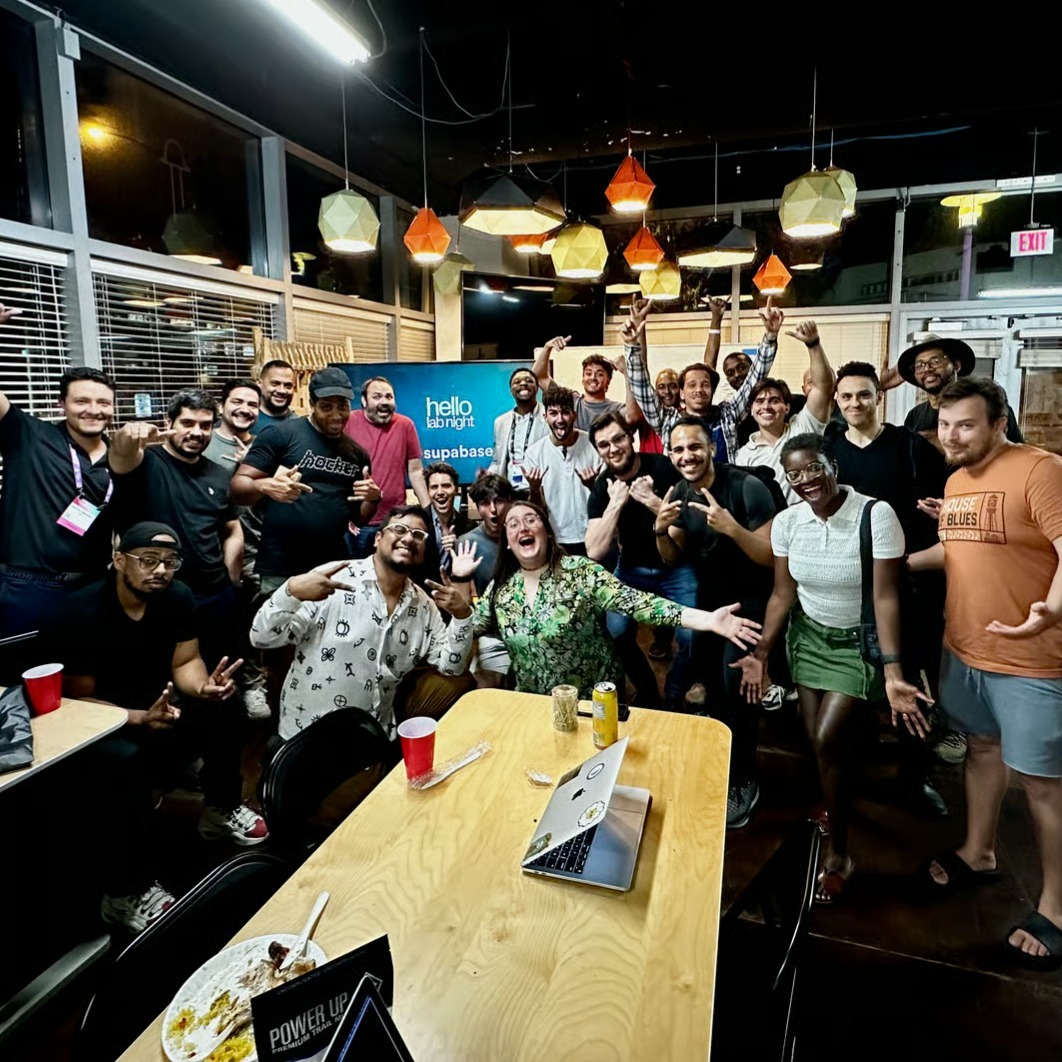
hello_miami
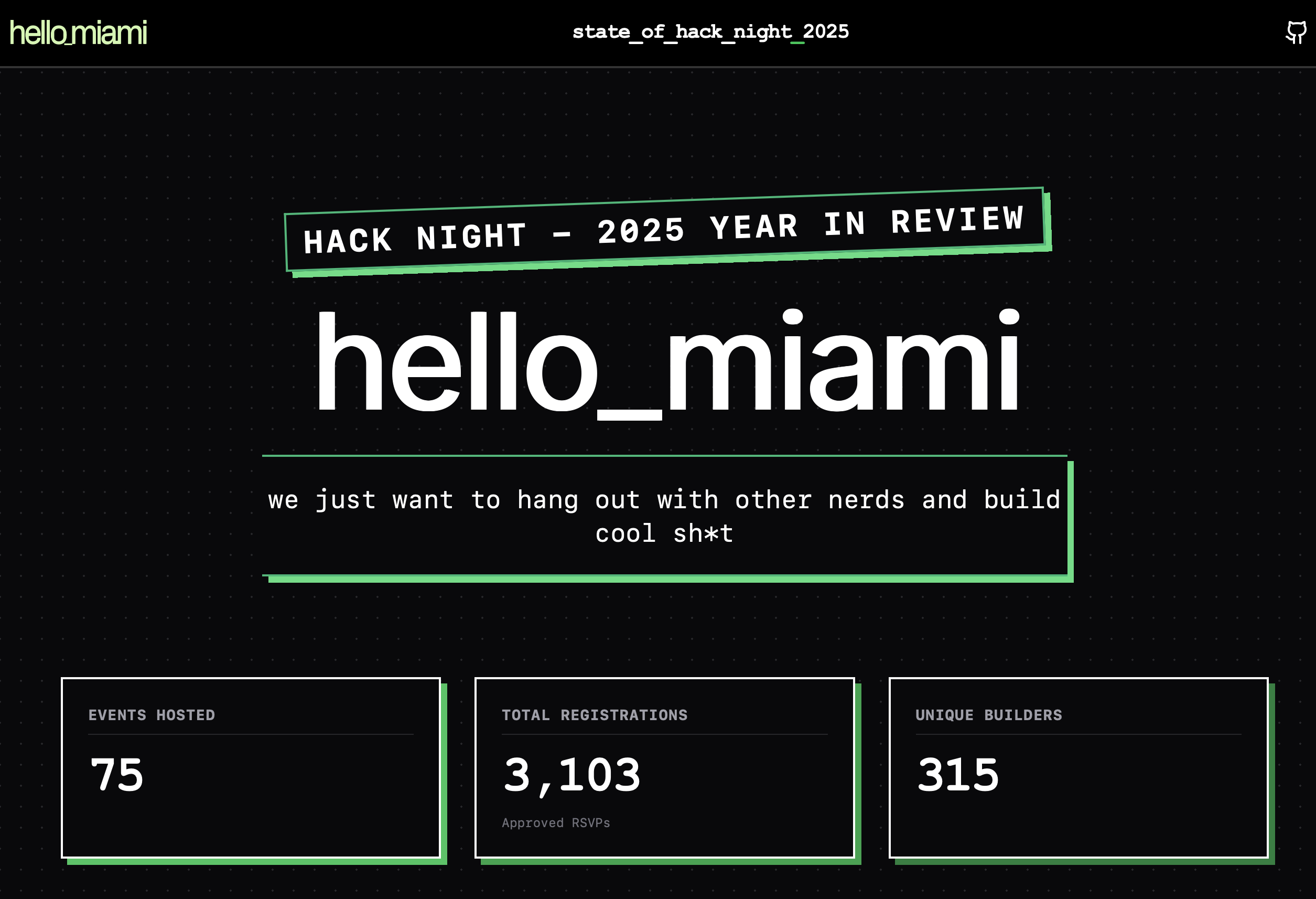
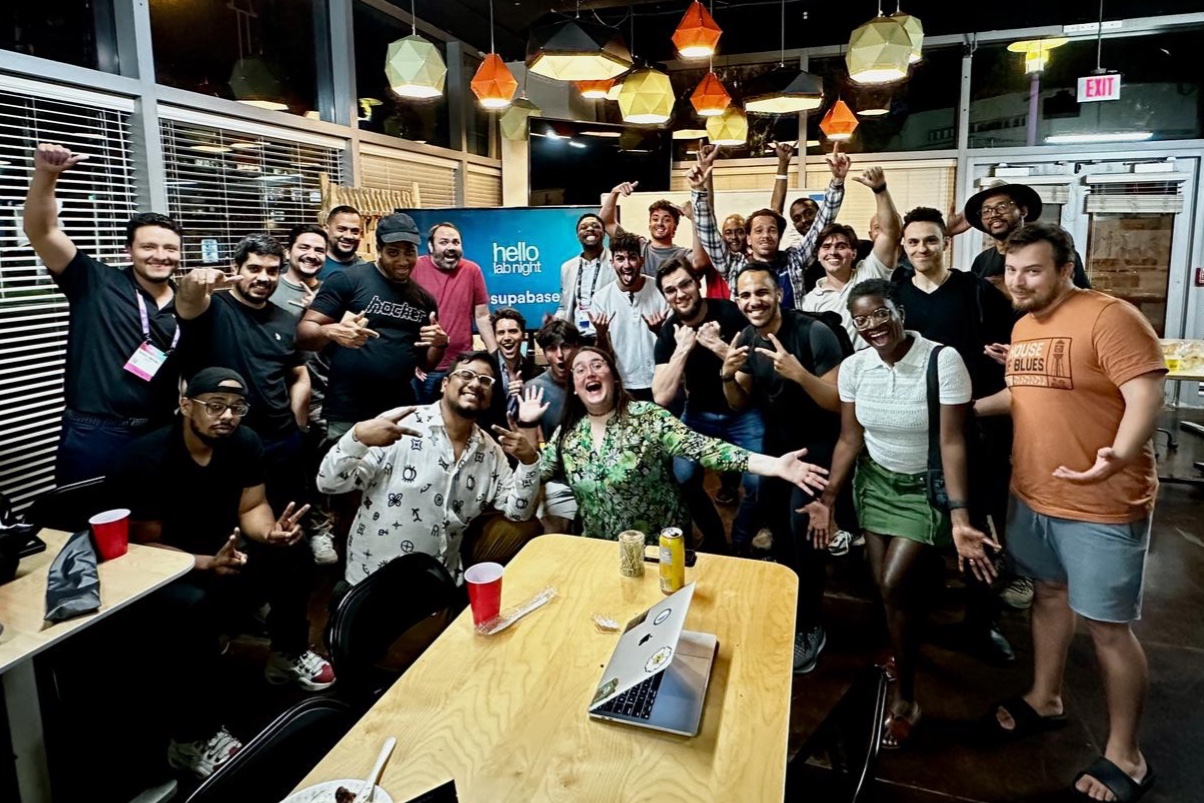
Miami's home for solopreneurs and nerds to build, learn, and connect. Hosted twice a week for builders, makers, devs and designers in South Florida.
More Maker Info
https://luma.com/hello_miamiMore Event Info
More Project Info
https://luma.com/hello_miami
What inspired you to make this project?
We host local hack nights twice a week where developers build and collaborate. We kept seeing interest in AI, but most people were just using tools—not understanding how to run them.
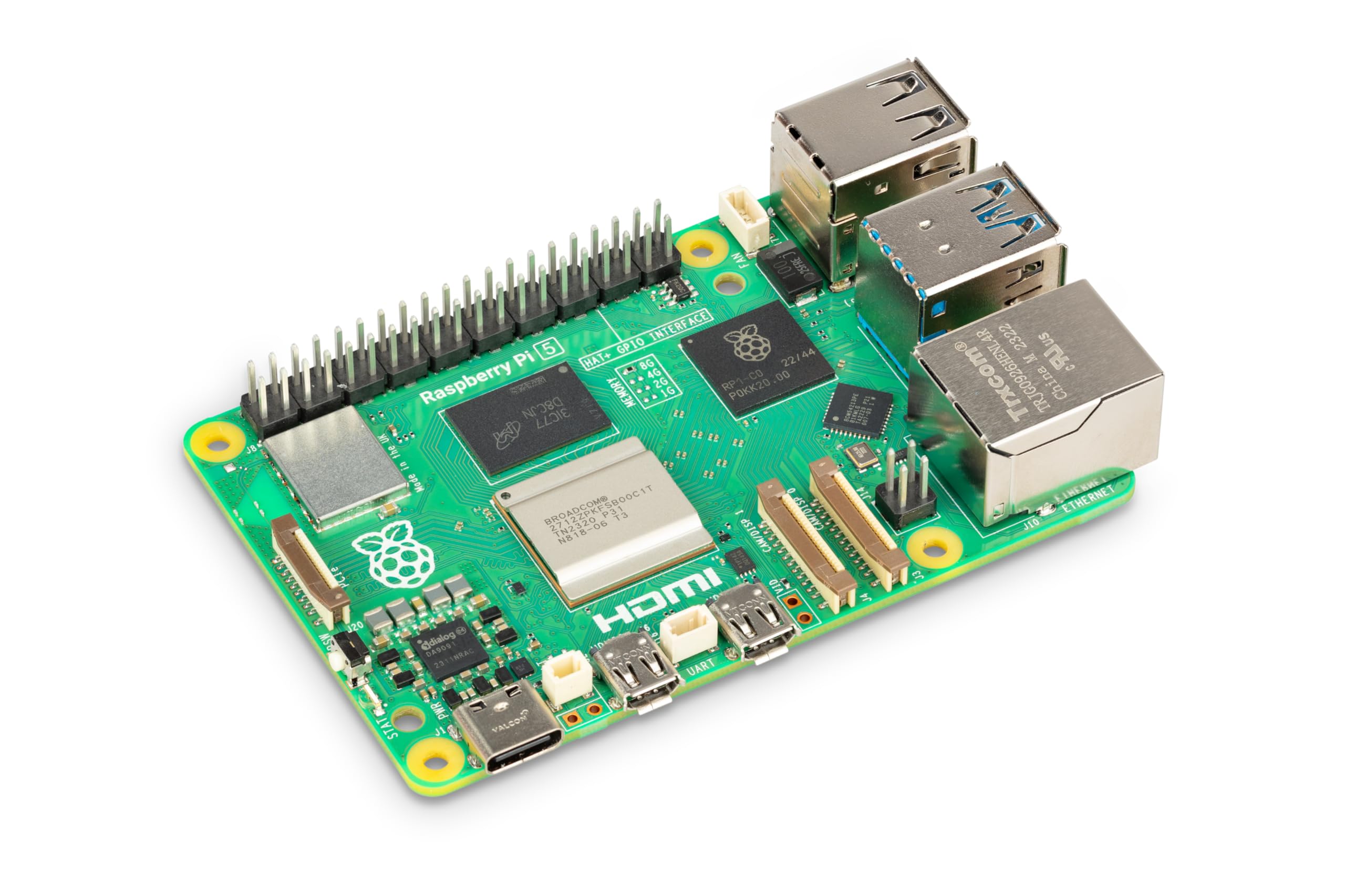
We wanted to show that anyone can build and run their own AI locally using affordable hardware like a Raspberry Pi.
What are some of the challenges you have encountered and how did you address them?
Running AI on low-cost hardware can be complex and limited.
We simplified this by:
Creating a clear, step-by-step setup
Using OpenClaw to streamline configuration
Testing on Raspberry Pi 4 and 5 for reliability
We focused on making it easy for beginners while still useful for advanced users.